
Local audience sandbox
Who would receive this campaign?
Explore six fictional subscribers. Groups are assigned labels; our engagement flag is a simplified segment rule. This is an illustrative model, not a connected MailerLite send preview. Unsubscribed records are always excluded.
Enable JavaScript to run the fictional preview.
Inputs are neither uploaded nor stored by this tool. Reload resets the model. Before sending, reproduce your actual rules and inspect the provider's recipient preview.
Start with a recipient question
Your task is to identify who should receive one campaign before changing an automation or importing a list. Write the intended audience in one sentence, such as: subscribed Newsletter or Events members, except Customers. That sentence becomes an acceptance check rather than a vague request to send to everyone interested.
The audience sandbox uses fictional records and local computation. It illustrates a limited set of rules; it is not connected to MailerLite and cannot establish your real send count. The downloadable fixture contains no real contacts. This guide is based on vendor documentation reviewed September 14, 2026, not firsthand testing inside a vendor account.
Groups record an assignment; segments evaluate rules
MailerLite describes groups as membership you assign directly or change through an automation or integration. Segments instead update as subscribers begin or cease to meet their saved conditions. A group is useful for an explicit interest such as webinar signup; a segment is useful for a condition that should stay current.
The important distinction is how membership changes. Do not assume a group will automatically age out its members. Do not assume a subscriber remains in a segment after the underlying condition changes. For a campaign, MailerLite lets you include and exclude groups or segments.
Work through an audience of six fictional subscribers
Ari belongs to Newsletter and is engaged and subscribed. Taylor belongs to Newsletter and Customers and is engaged and subscribed. Sam belongs to Events and is engaged and subscribed. Noor belongs to Newsletter and Events, is not engaged, and is subscribed. Morgan belongs to Newsletter and is engaged but unsubscribed. Riley belongs to no groups, is not engaged, and is subscribed. These are invented records, not real contacts.
With Newsletter selected, any engagement allowed, and Customers excluded, the expected recipients are Ari and Noor. Taylor fails the exclusion; Morgan is always excluded because they are unsubscribed. Add Events with OR and Sam joins the audience. Change OR to AND and only Noor remains. Require engaged subscribers as well and the AND audience becomes empty. These are calculated fixture results, not observed vendor sends.
| Decision | Expected fictional recipients |
|---|---|
| Newsletter; any engagement; exclude Customers | Ari, Noor |
| Newsletter OR Events; any engagement; exclude Customers | Ari, Sam, Noor |
| Newsletter AND Events; any engagement; exclude Customers | Noor |
| Newsletter AND Events; engaged only; exclude Customers | None |
Check exclusions before interpreting the total
MailerLite documents that exclusion wins when someone belongs both to an included and an excluded group or segment. A smaller count therefore may be correct. Inspect a few known edge cases instead of immediately widening the audience.
The subscribed and engaged fields are simplified editorial fixtures. Engagement is a separate condition from subscription permission: a person can be subscribed without meeting an engagement rule. A real account can have additional states, suppression rules, pending confirmation, and different definitions of engagement. This sandbox does not model automation entry timing or guarantee deliverability.
- Compare OR and AND using the same fixture so only one decision changes.
- Inspect a person in both an included and excluded group.
- Keep unsubscribed contacts out of your intended send; do not change their status to make a count match.
- Record the recipient rule and the time you inspected the real account preview.
Apply the decision in your own account
Download the fixture to understand the examples, then reproduce the relevant rules with your own authorized test records. The file is an educational dataset, not a ready-to-import subscriber list. Check the current MailerLite preview before any real campaign; no message is sent by this page.
If the real preview differs, check membership, AND/OR logic, exclusions, and subscription status separately. Resolve the difference before sending. A different total by itself is not evidence that you need a paid plan or another email platform.
Compare your options
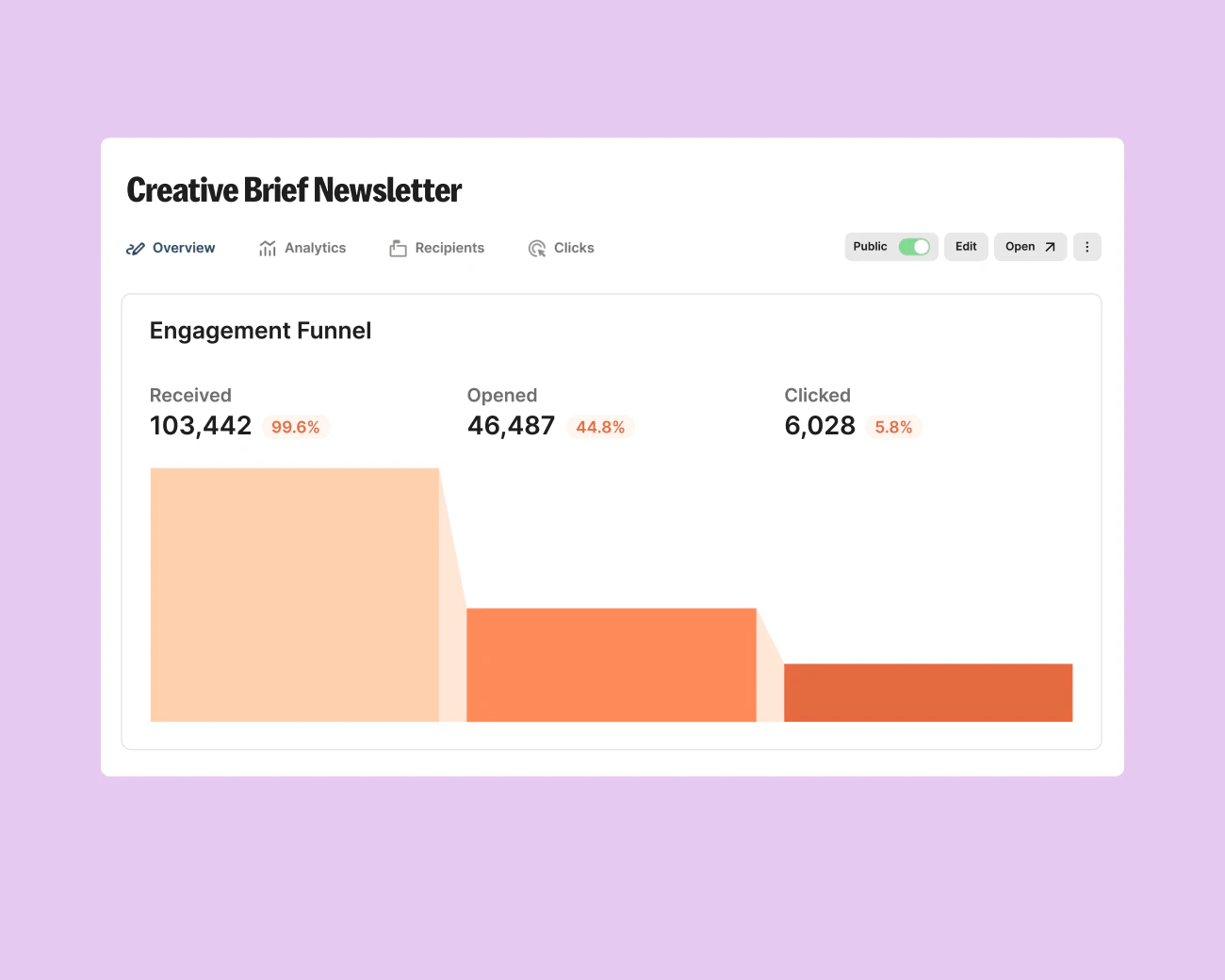
Kit
Evaluate for subscriber broadcasts; consider Creator when a specific sequence or automation earns its cost.
Free plan; audited Creator example $39/month for 1,000 subscribers
Subscriber count and billing interval change price. The paid workflow has not been tested.
Ordinary provider link. No affiliate partnership claimed. Link disclosure
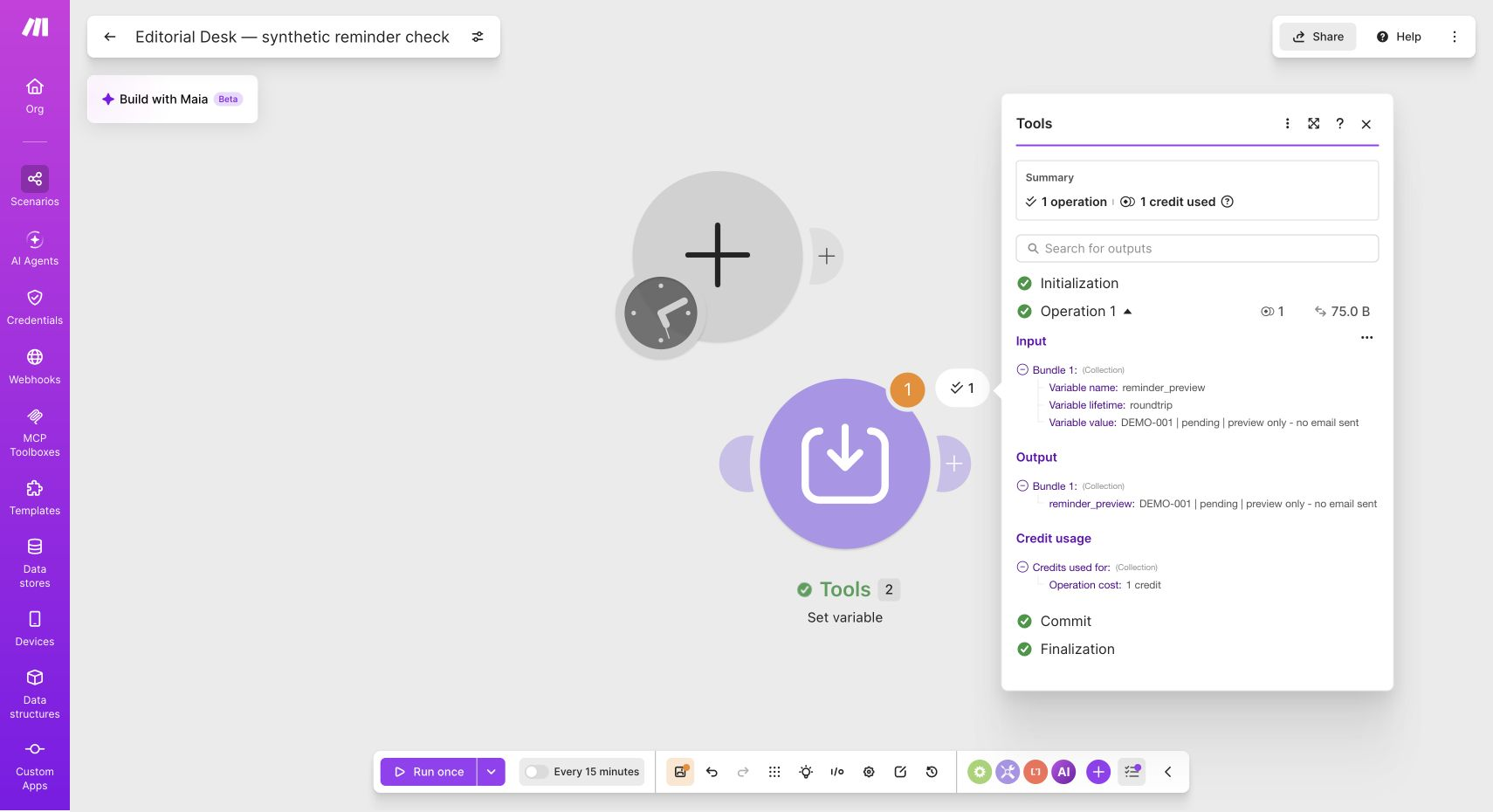
Make
A visual tool to investigate small workflow designs, beginning with synthetic data and human review.
Free plan includes 1,000 credits/month
Connected apps can cost extra. Free scheduled interval is at least 15 minutes; paid billing must be checked at checkout.
Affiliate link: we may earn a commission on an eligible purchase. Link disclosure
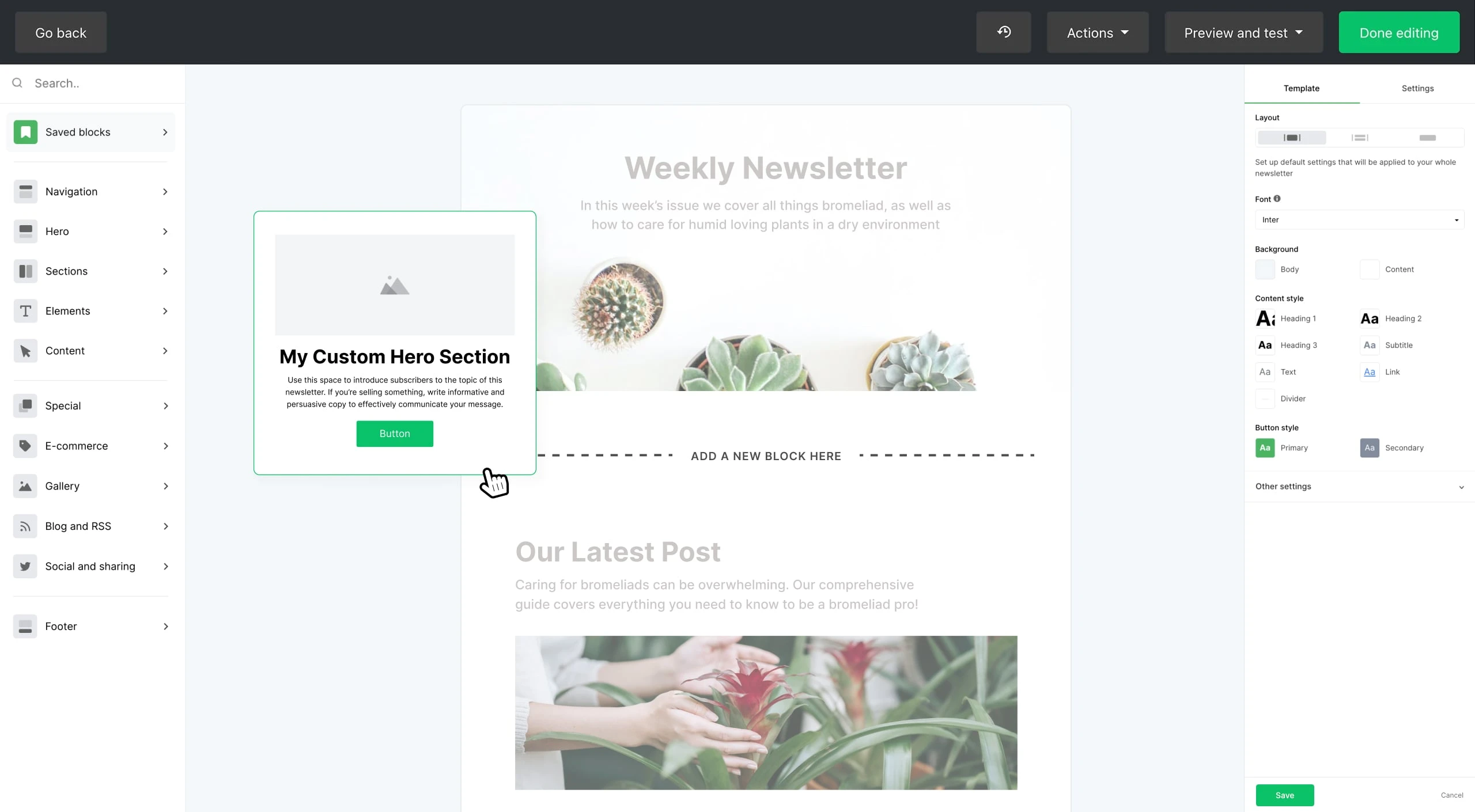
MailerLite
Compare with Kit for a small list that needs limited automated follow-up.
Free: up to 250 subscribers, 2,500 emails/month, 3 automations
Paid prices require a live quote. Free sends lock above the subscriber limit; premium trial features may expire.
Ordinary provider link. No affiliate partnership claimed. Link disclosure
Sources & verification
Product details and prices can change. Check the linked provider before buying.
- MailerLite: groups and segments Accessed 2026-09-14
- MailerLite: create and use segments Accessed 2026-09-14
Sources link directly to providers. Product buttons may use separately labeled affiliate links. Read our disclosure.