The resource shelf
Small tools. Useful progress.
Free downloads to help you make a decision or plan a workflow. No email address required.
Download / MP4
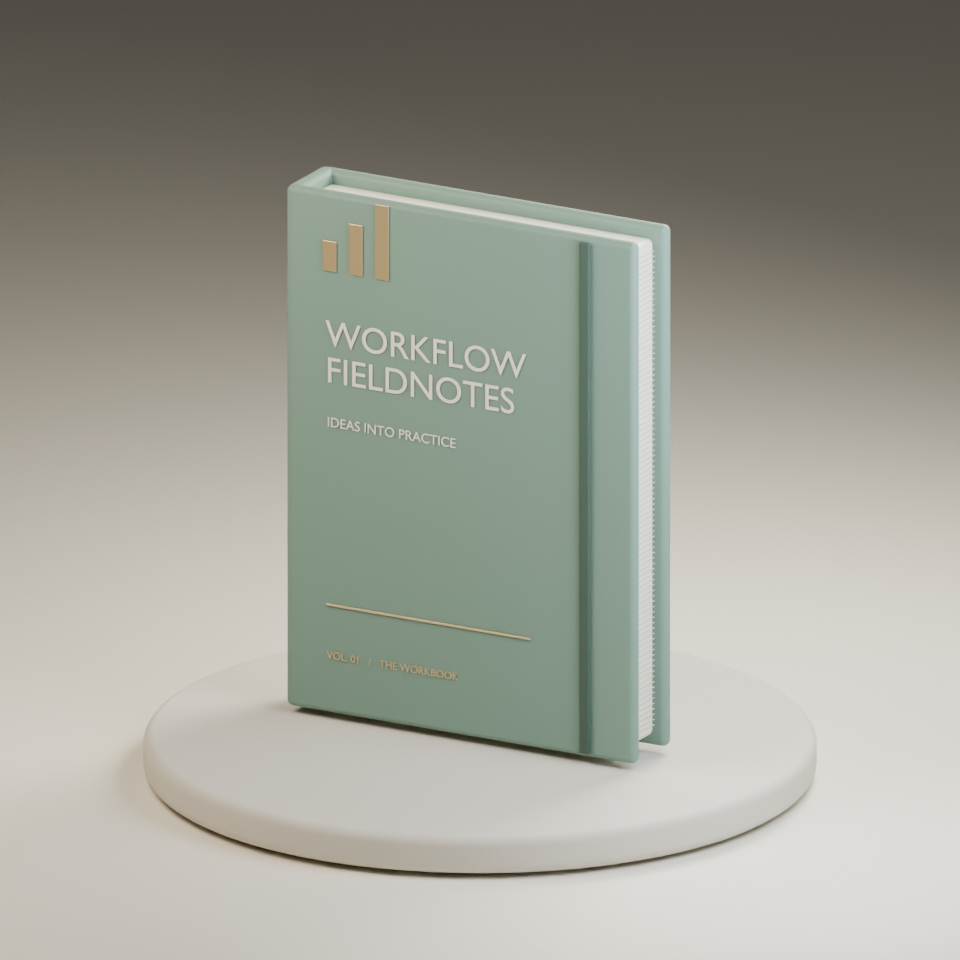
Blender notebook concept: five-second rotation (MP4)
Original Automation Tools Compared notebook illustration with studio lighting and a full rotation. Fictional branded concept, not a photograph or evidence of a manufactured product. Created September 20, 2026.
Download file ↓Download / BLEND
Blender notebook concept: editable scene
Open this .blend file in Blender to edit the notebook, cover text, materials, camera, lights, and rotation. Created with Blender 5.2.2; no external assets required.
Download file ↓Download / PNG
Blender notebook concept: still image (PNG)
960 by 960 pixel render of the fictional notebook concept. An original illustration, not a product photograph.
Download file ↓Download / MP4
An identifier lost its zeros: short browser walkthrough (MP4)
Silent continuous browser recording with visible captions: compare fictional CSV files, find 0012 changed to 12, and download the difference report. No vendor performance claim.
Download file ↓Download / MD
Identifier-change walkthrough transcript
Reproduce the synthetic CSV comparison with exact row keys and read the limits of a clean comparison.
Download file ↓Download / MP4
CSV round-trip changes: walkthrough (MP4)
Continuous silent local browser demonstration with visible captions and original synthetic CSV pairs. 2 minutes 25 seconds; no inferred keys or automatic repair.
Download file ↓Download / SRT
CSV walkthrough captions (SRT)
Eight caption cues for the CSV comparison walkthrough. Final cue ends at the verified video duration.
Download file ↓Download / MP4
Three CSV export changes: vertical walkthrough (MP4)
Separate 44-second vertical local recording showing lost zeros, missing versus empty cells, and unresolved duplicate keys.
Download file ↓Download / SRT
CSV vertical walkthrough captions (SRT)
Four caption cues for the silent vertical CSV comparison demonstration.
Download file ↓Download / MD
CSV walkthrough transcript (Markdown)
Readable caption transcript and scope notes for the original synthetic CSV comparison walkthrough.
Download file ↓Download / CSV
SPF and DKIM pass, but email still fails worksheet
Original planning cases with blank observation fields. Record your own evidence locally; no signup or upload required.
Download CSV ↓Download / CSV
Make rate-limit errors worksheet
Original planning cases with blank observation fields. Record your own evidence locally; no signup or upload required.
Download CSV ↓Download / CSV
CSV imports worksheet
Original planning cases with blank observation fields. Record your own evidence locally; no signup or upload required.
Download CSV ↓Download / CSV
International software billing worksheet
Editable planning worksheet with blank evidence and result fields. Use locally; no signup or upload required.
Download CSV ↓Download / CSV
Fictional email audience fixtures
Six invented records matching the audience sandbox. Educational dataset, not an importable mailing list.
Download CSV ↓Download / CSV
Email automation acceptance worksheet
Editable CSV with blank result fields. Record your own observations; no signup or upload required.
Download CSV ↓Download / CSV
Make credit audit ledger
Editable CSV with blank result fields. Record your own observations; no signup or upload required.
Download CSV ↓Download / PDF
Workflow decision worksheet (PDF)
Write down the task, manual alternative, cash invoice, time assumptions, renewal decision, and domain/email responsibilities.
Download PDF ↓Download / PDF
Reminder design cases (PDF)
Fictional PDF cases with expected eligibility decisions. A specification aid, not an executable automation or tested result.
Download PDF ↓Download / CSV
Reminder design cases (editable CSV)
Optional editable CSV companion. Fictional CSV rows with expected eligibility decisions. A specification aid, not an executable automation or tested result.
Download CSV ↓Interactive / local
What is your time worth?
Compare software cost with your own estimate of time saved.
Open calculator →Use your completed worksheet to compare providers
Take your requirements to the provider comparison. Check fit, exclusions, and current terms before buying. Disclosed affiliate links may earn us a commission on an eligible action; the worksheets remain free.