
Start with one controlled subscriber
A missing welcome email does not identify the broken step. A person may never have entered the workflow, may be waiting inside it, or may have reached a send step without receiving the message. Record the address you control, subscription time, expected entry event, and actual activity before changing anything. Use test addresses only; do not replay a customer list to diagnose one failure.
This is a documentation-based diagnostic plan, not a report of a tested MailerLite account. Screens and available features may differ by plan. The worksheet provides blank expected-versus-observed rows.
Check the event the workflow actually expects
MailerLite documents that a form-triggered automation must be active when the form is submitted. A group trigger depends on joining the selected group; someone already in that group has not joined it again. Compare the test subscriber's event with the configured trigger before editing the email.
With double opt-in across several forms, MailerLite says only the automation linked to the form where confirmation happens is triggered. Its documentation suggests a group trigger for this situation. Confirm the desired grouping with one address before changing a production flow.
| Observed state | Next check | Evidence to retain |
|---|---|---|
| No workflow activity | Active state and matching entry event | Timestamp and trigger configuration |
| Entered but waiting | Delay and condition steps | Current step and intended wait |
| Send recorded but inbox empty | Recipient address and mailbox folders | Send status; do not assume delivery |
| Import did not enter | Import choices and trigger rules | Import settings and one test record |
Treat imports and re-entry as separate decisions
For an Updated field trigger, MailerLite documents an import option that controls whether imported subscribers start the workflow. Record that choice instead of assuming importing equals enrolling. Re-entry also has its own setting; enabling it changes who may receive the series again.
Our recommended acceptance cases are a new confirmed signup, an existing group member, a deliberately imported test subscriber, and a returning subscriber. Write the intended outcome before running each case. Change one setting at a time so the result remains interpretable.
Decide whether the repair worked
Keep the production list unchanged until the controlled case enters the intended workflow once and reaches the expected step. A provider's send record and receipt in your test mailbox answer different questions; retain both when available. If you need support, share redacted timestamps and the failing step through the provider's support channel, never a full subscriber export.
If the current product can meet the requirement, a repaired trigger is usually a smaller project than migration. Revisit the tool choice only when the documented feature or your observed result cannot support the workflow.
Compare your options
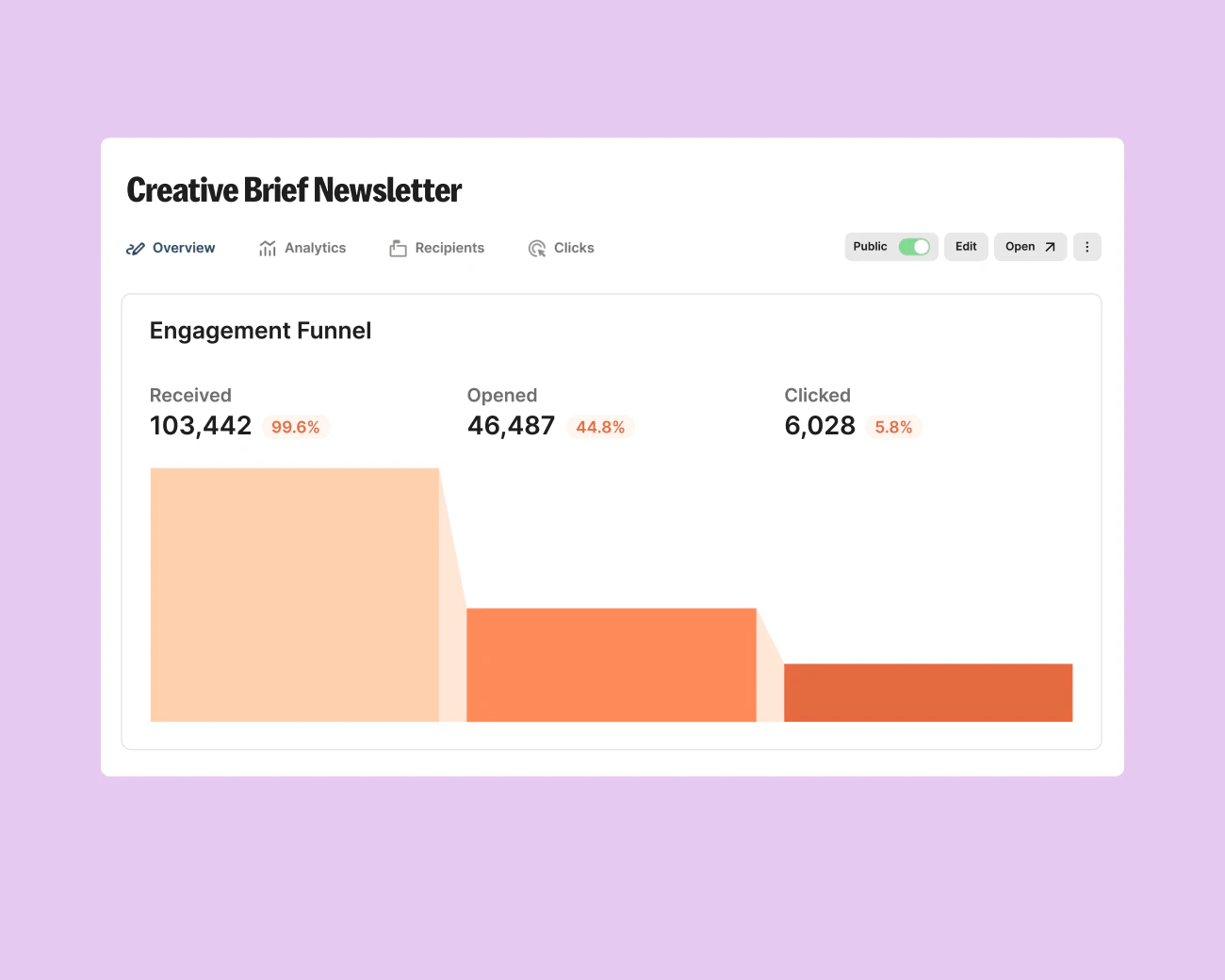
Kit
Evaluate for subscriber broadcasts; consider Creator when a specific sequence or automation earns its cost.
Free plan; audited Creator example $39/month for 1,000 subscribers
Subscriber count and billing interval change price. The paid workflow has not been tested.
Ordinary provider link. No affiliate partnership claimed. Link disclosure
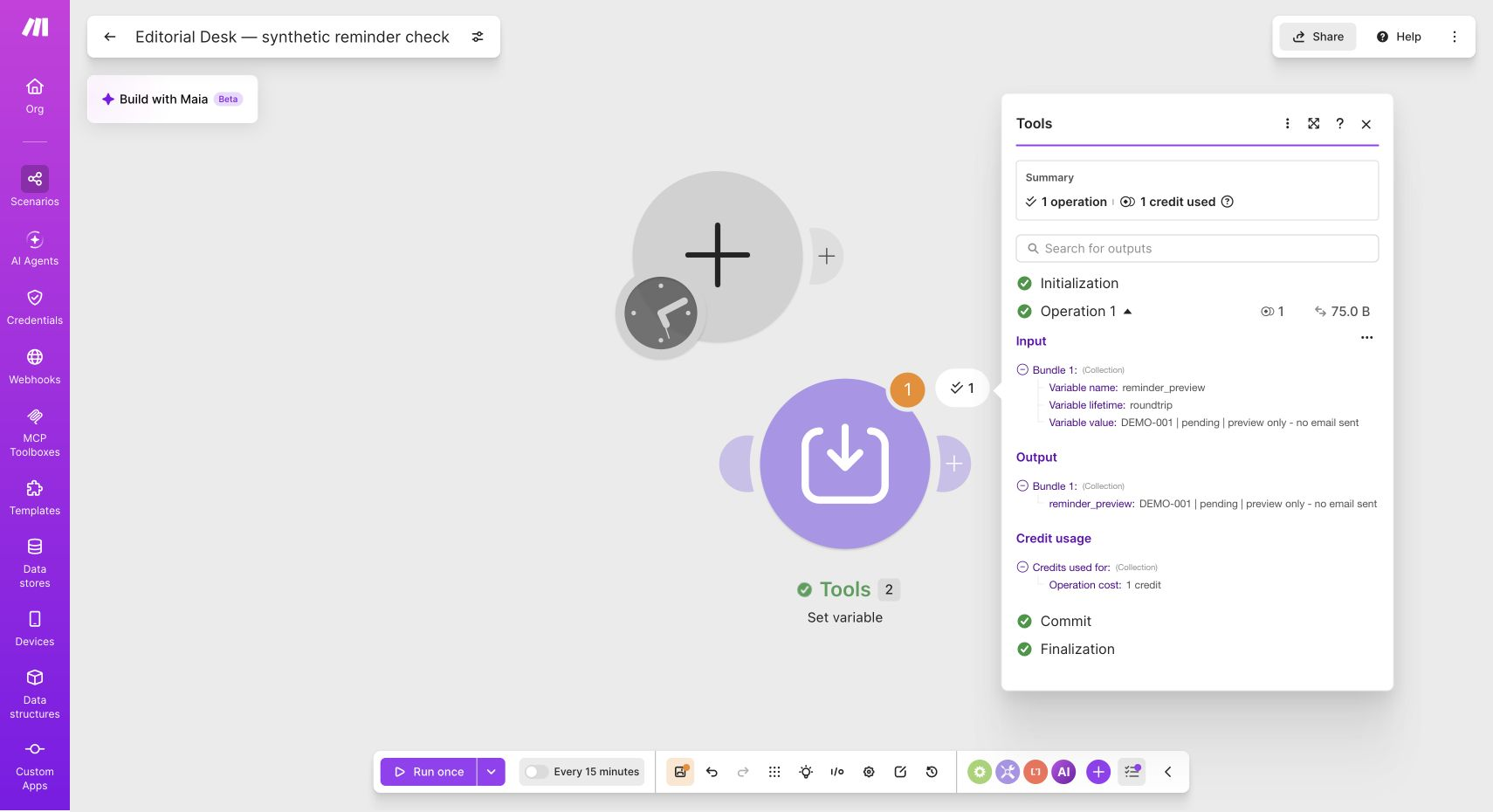
Make
A visual tool to investigate small workflow designs, beginning with synthetic data and human review.
Free plan includes 1,000 credits/month
Connected apps can cost extra. Free scheduled interval is at least 15 minutes; paid billing must be checked at checkout.
Affiliate link: we may earn a commission on an eligible purchase. Link disclosure
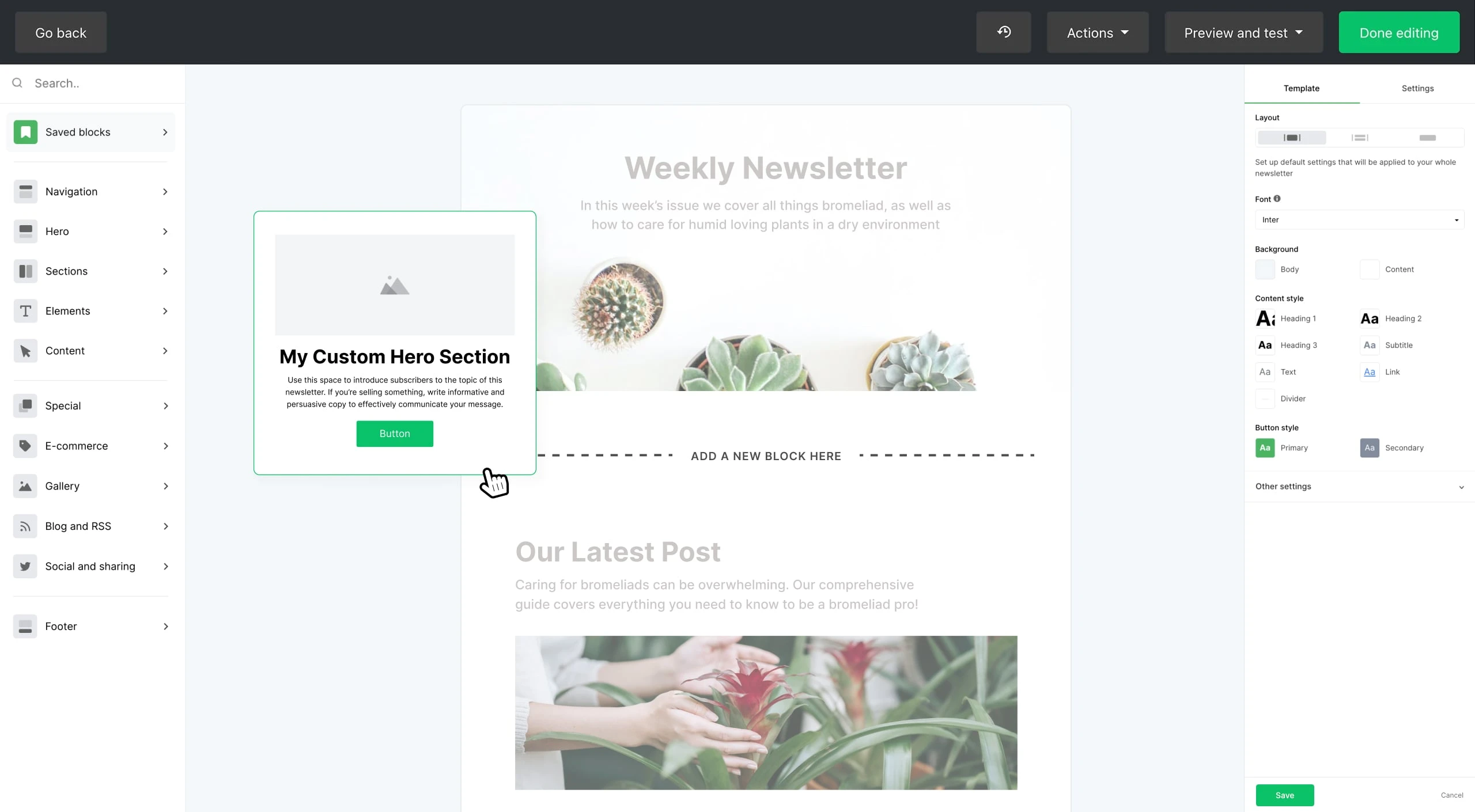
MailerLite
Compare with Kit for a small list that needs limited automated follow-up.
Free: up to 250 subscribers, 2,500 emails/month, 3 automations
Paid prices require a live quote. Free sends lock above the subscriber limit; premium trial features may expire.
Ordinary provider link. No affiliate partnership claimed. Link disclosure
Sources & verification
Product details and prices can change. Check the linked provider before buying.
- MailerLite automation triggers Accessed 2026-09-14
Sources link directly to providers. Product buttons may use separately labeled affiliate links. Read our disclosure.